Camera Roll - Gallery
Lukas Koller
Downloads
500,000+
Source
Google Play
Advertisement
Click to download now, finish the installation quickly, and directly unlock the all-round experience
Advertisement
Screenshots
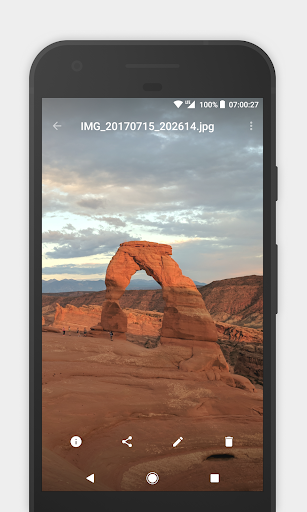
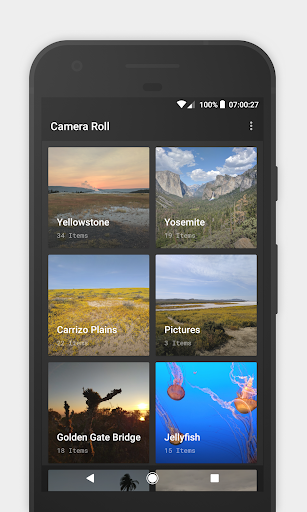
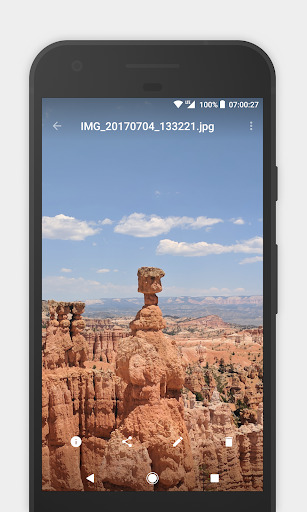
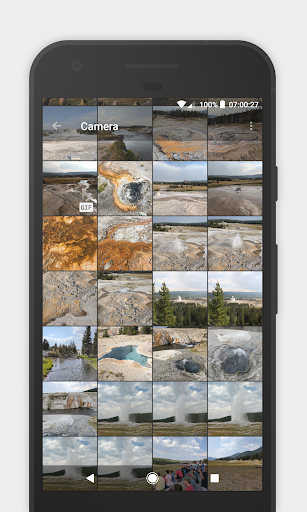
Click to download now, finish the installation quickly, and directly unlock the all-round experience
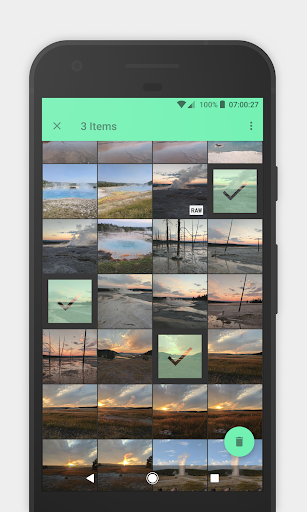
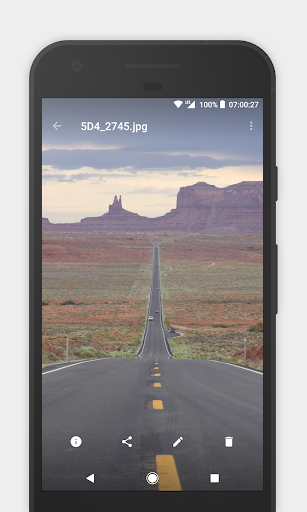
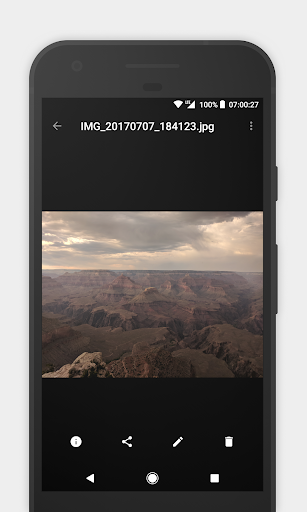
Camera Roll - Gallery lets you browse photos, GIFs and videos stored on your device. It suits people who want more than a wall of recent pictures: you can work with folders, bring images from different directories into one virtual album, and handle files without moving them first.
It gives you a way to organize pictures across folders without changing where the files live. Virtual albums group items from multiple directories while leaving the originals in place. That is useful if your photos are already sorted into separate folders but you want a single view of selected images.
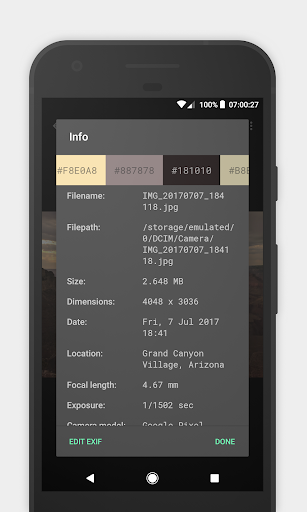
The app can display and edit image EXIF data, which may help when you want to check or adjust information attached to a photo. Its file browser provides access to folders on device storage or an SD card, with options to copy, move or delete photos and directories. Camera Roll can also show hidden folders, so images stored outside the usual gallery view are easier to find and manage.
This is a practical choice for someone who prefers direct access to their photo folders and wants album organization that does not require copying files. If you only need a simple viewer, its file-management tools may be more than you need. Camera Roll - Gallery is published by Lukas Koller and has 500,000+ installs. Its 3.5-star rating comes from 3,291 ratings, useful context when deciding whether its approach fits your habits.